Your cart is currently empty!
Tag: Photoshop
-
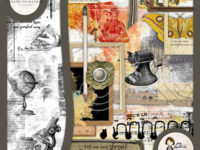
School :: In full Swing
Both girls are back to school and in their second week. We are getting back into the swing of that routine. I miss having them here, but admittedly get way more work done when they are gone all day. I’ve made a school-themed kit for this week’s new release in celebration of all the back-to-school…
-
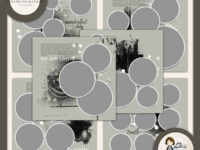
My Favorite & My Best {Story} Template Sets
This week’s new release are more template sets. They are just so handy to me personally and are a great seller so I know they must be handy to you as well! They are just so easy to use and when you get done plugging in all your photos and elements it looks like it…
-
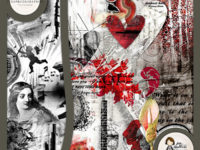
ARTAND Love :: For Valentine’s Day!
I must admit I’m not really one for Valentine’s Day. Party pooper, I know. But. February IS my anniversary and there are probably LOTS of you out there who DO like the “season of love” so I must do my duty and make a Valentine’s themed kit. Here ya go!!! And some wonderful CT eye…
-
Selective Recoloring
How do you change a photo from the one on the left to the one on the right? It is a technique called selective recoloring. It is not very hard to do. ;D 1. Open your photo in PS and separate the layer from the background by right clicking on the background layer. 2. Duplicate…
-
Blogoversary Challenge
It’s coming up on my blogoversary. 1 year…I cannot believe it!!! In celebration of this milestone I would like to give away something. This does not come without strings. But these are GOOD STRINGS!!! I would like to see some of my designs in action…from someone other than me! The challenge is design a page…
-
Project 365 Catch Up
I am playing catch up with Project 365. How is everyone doing? Do you want some news that might make you feel better (if the answer is I’m doing terrible)? I am completely skipping week 14…which was two weeks ago. It was a horrible week for me. I didn’t take any photos. I was getting…